Coverage matters
A vendor or customer location may be outside current delivery support.
Customer and vendor workflows
GoDeliveries connects the content that creates interest with the information, order steps and delivery updates needed to act on it.
For customers
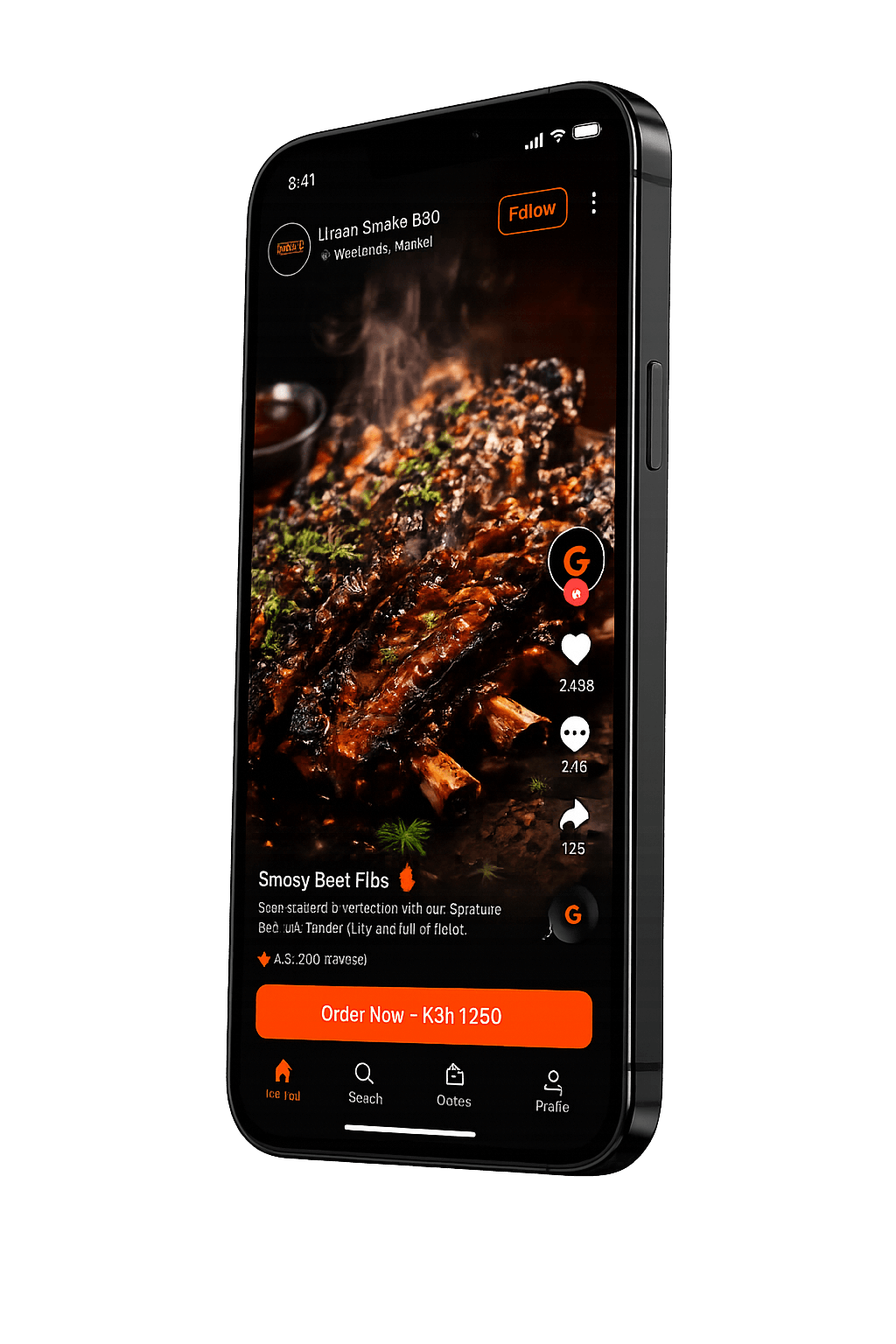
The product is designed to keep the item and delivery context close to the video that introduced the food.
Browse short food videos published by restaurants and independent food creators.
Review the food details, available options and information relevant to the order.
Add items, confirm the delivery destination and review the delivery information shown.
Use an available payment method and submit the order for vendor review and preparation.
Track status changes as the vendor prepares the food and delivery is coordinated.
Customer experience
A useful food video should lead to the details needed to make a decision: what the item is, how it is offered and what the next ordering step requires.
Food video and relevant item action
Item and option information
Confirmed delivery details
Order and fulfilment status
For vendors
The vendor workflow supports food businesses and creators while keeping acceptance subject to coverage and onboarding requirements.
Share the food business, contact and operating information needed for an initial review.
If accepted, complete the applicable menu, operating, compliance and settlement setup.
Add available food items and visual content that helps customers understand what you make.
Review incoming order details, manage availability and update fulfilment progress.
Use GoDeliveries delivery support where coverage and delivery capacity are available.
A vendor or customer location may be outside current delivery support.
Preparation, distance, traffic and delivery availability affect fulfilment.
Order progress is more useful than a universal delivery promise.
For customers
Learn how food videos, item details, delivery information and order updates fit into one experience.
Explore the experienceFor food businesses and creators
Applications are reviewed for service coverage, product suitability, food-safety readiness and operational fit.
Apply as a Vendor